

Brush-based level editor for Godot 4.7+
Draw rooms, carve doors, paint terrain, and bake to optimized meshes — all inside the Godot editor.
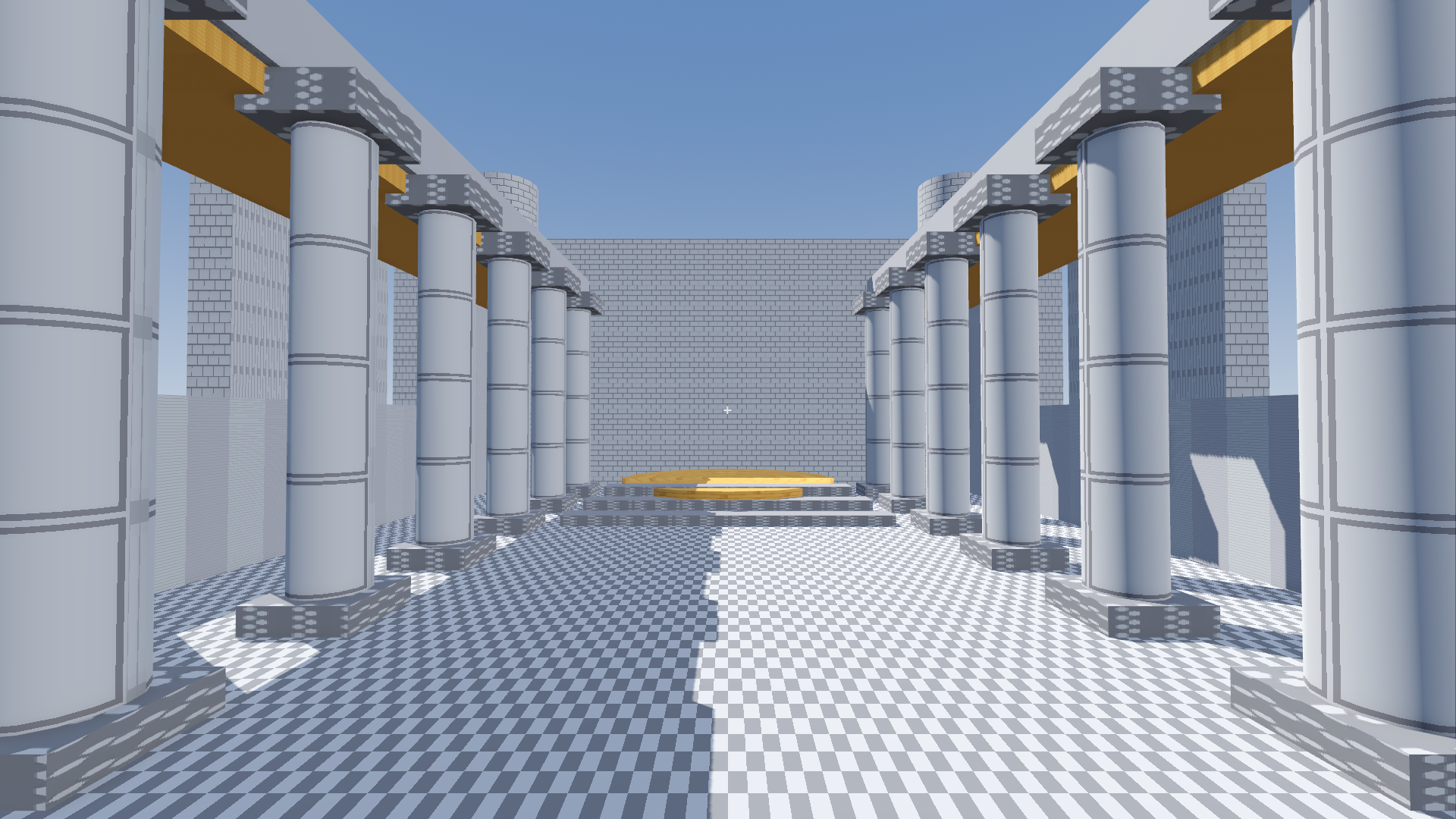
HammerForge is a single addons/ folder. No external tools, no custom builds,
no export plugins. Drop it in, enable, draw.
Early alpha
This is a solo hobby project. It's buggy and rough around the edges. Testing and issue reports are genuinely welcome.
See it in motion
Building a room from an empty grid, carving a doorway through one wall, applying the cut, and then playing the level to walk up to the hole.
Recorded from the editor itself and driven by a real mouse, at normal speed — nothing is sped up, cut together, or mocked up.
Also on YouTube, with chapters.
How it works
| Step | ||
|---|---|---|
| 1. Draw a floor | Drag a base, click to set height. | 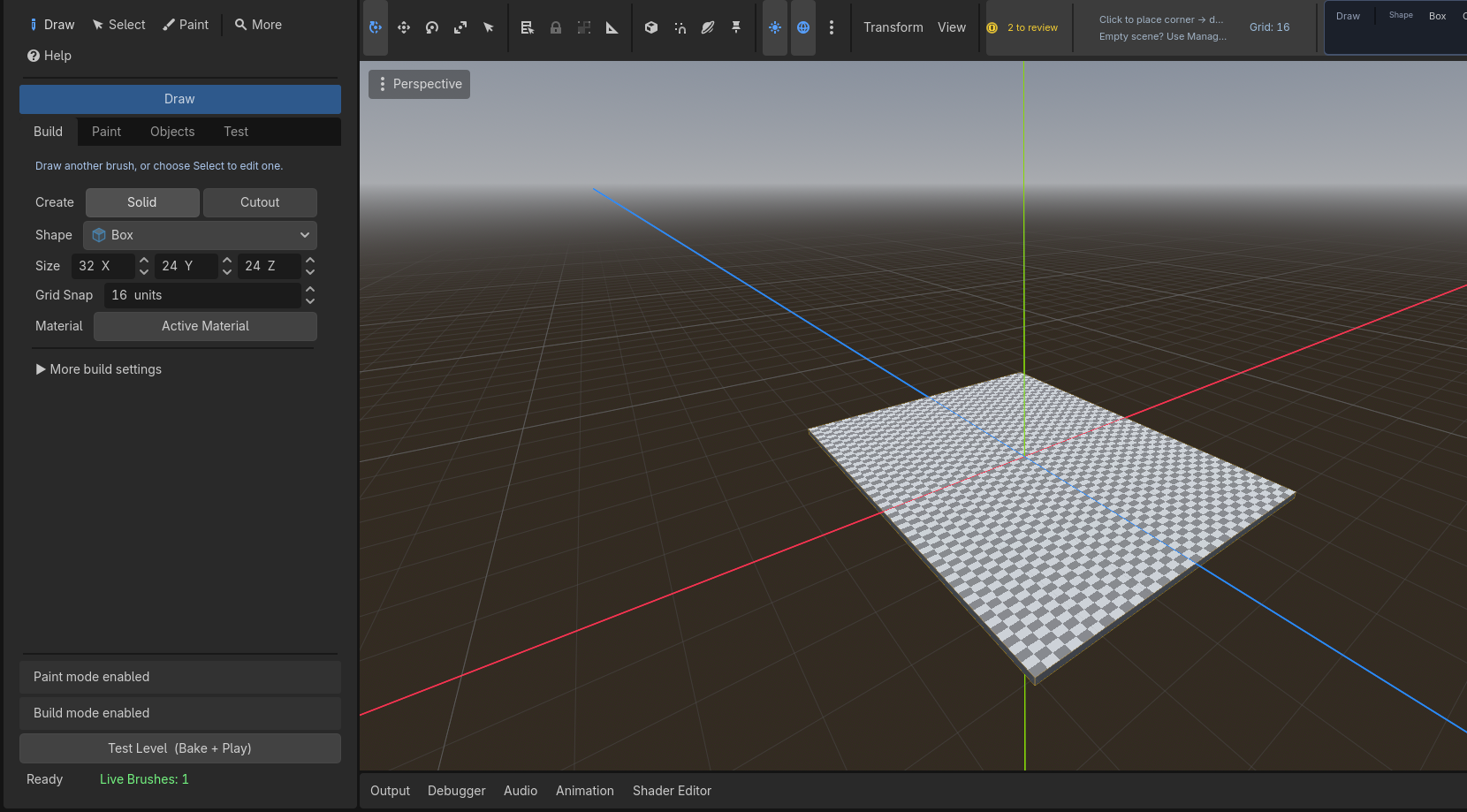 |
| 2. Raise the walls | Add walls, leave a gap for the door. | 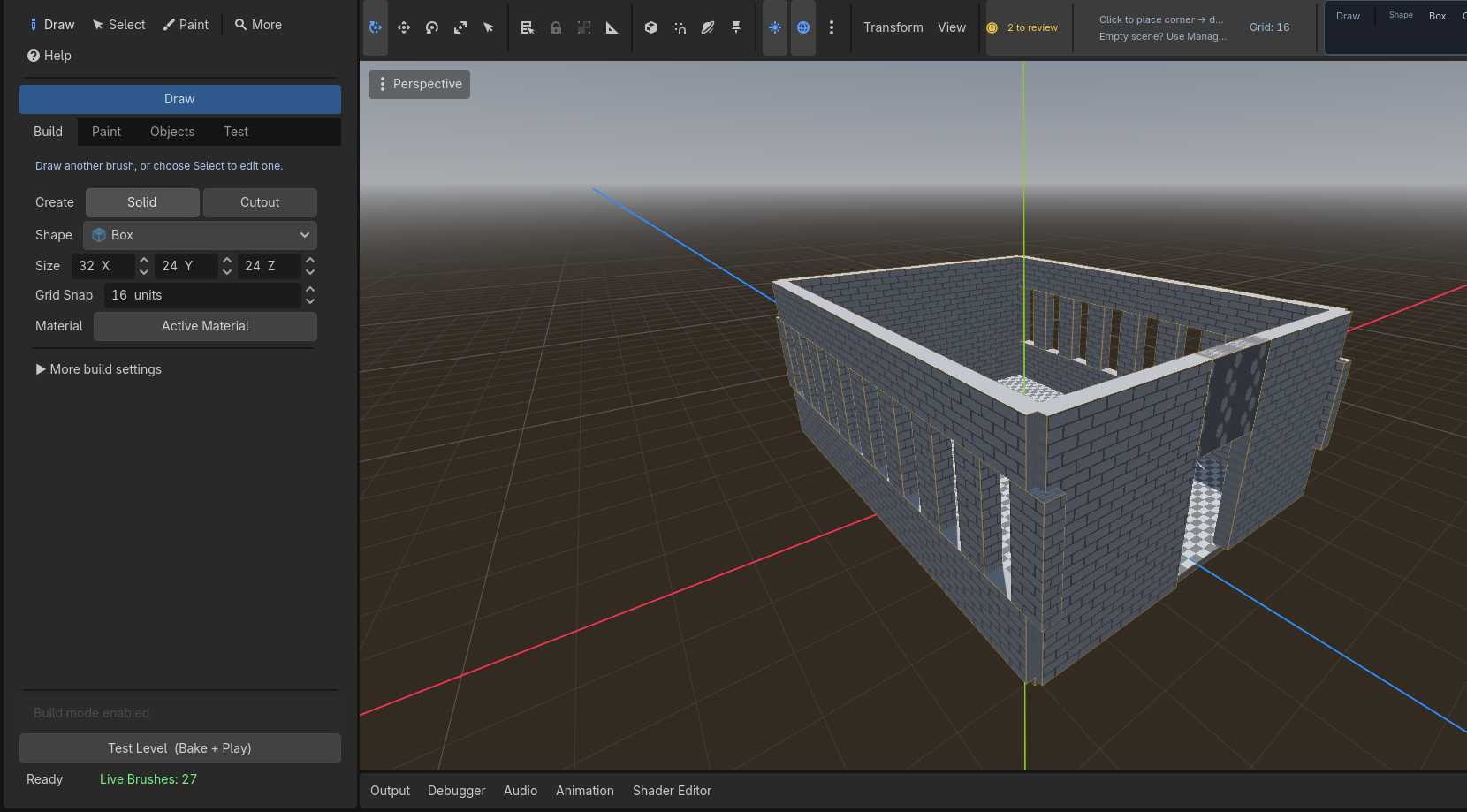 |
| 3. Detail and materials | Platform, ramp, pillars, prototype textures. | 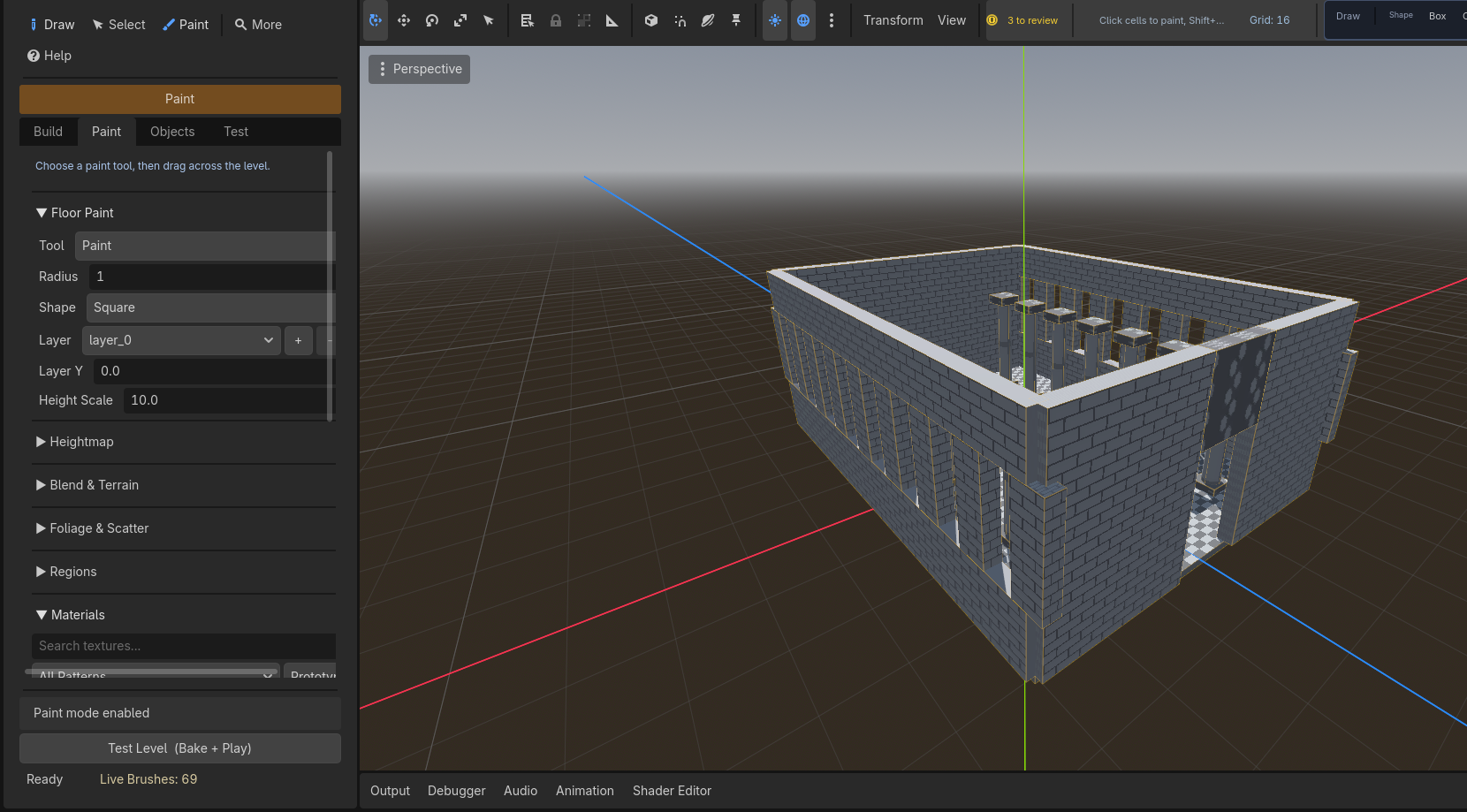 |
| 4. Test it | The Console checks, then bakes and plays. | 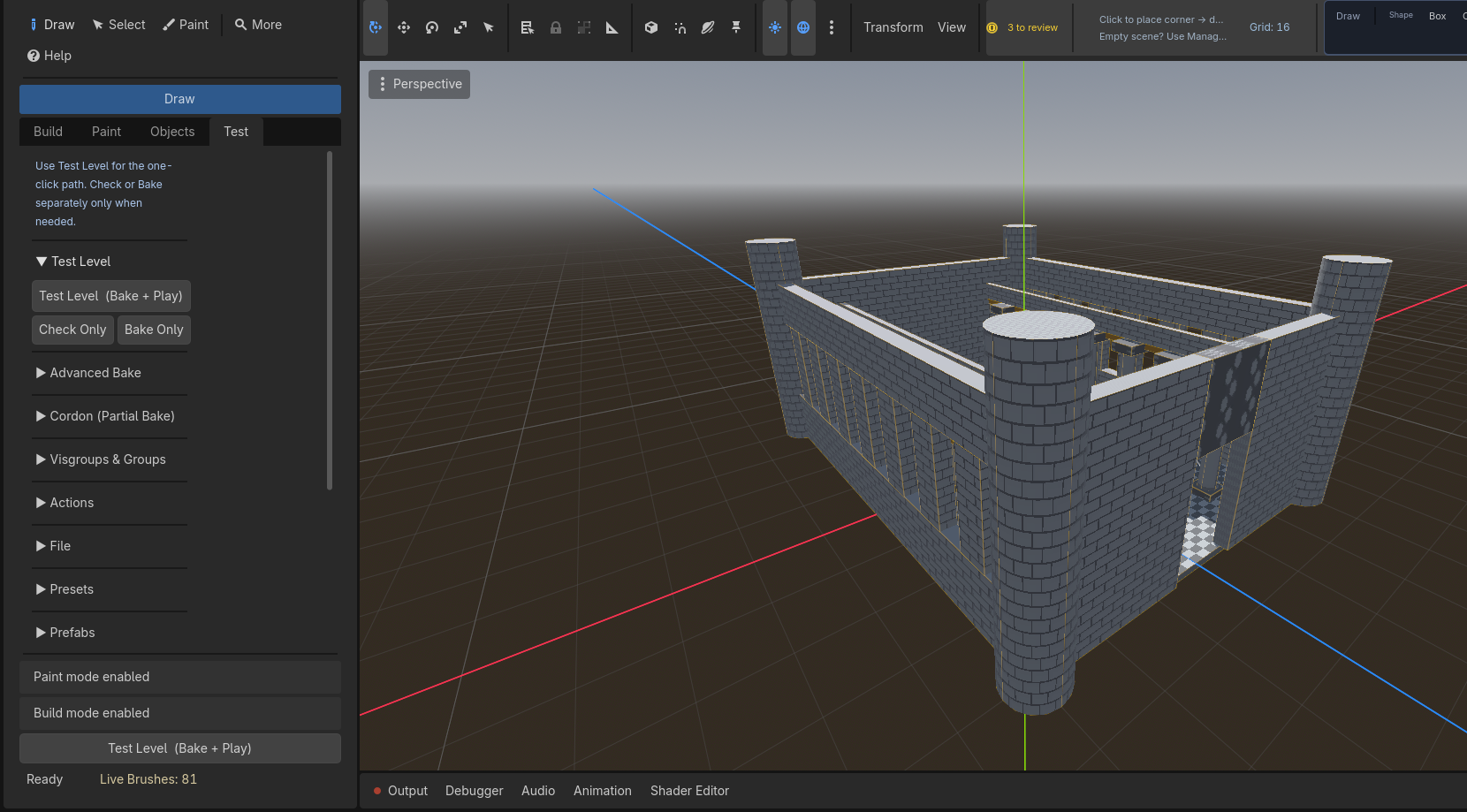 |
Inside the editor
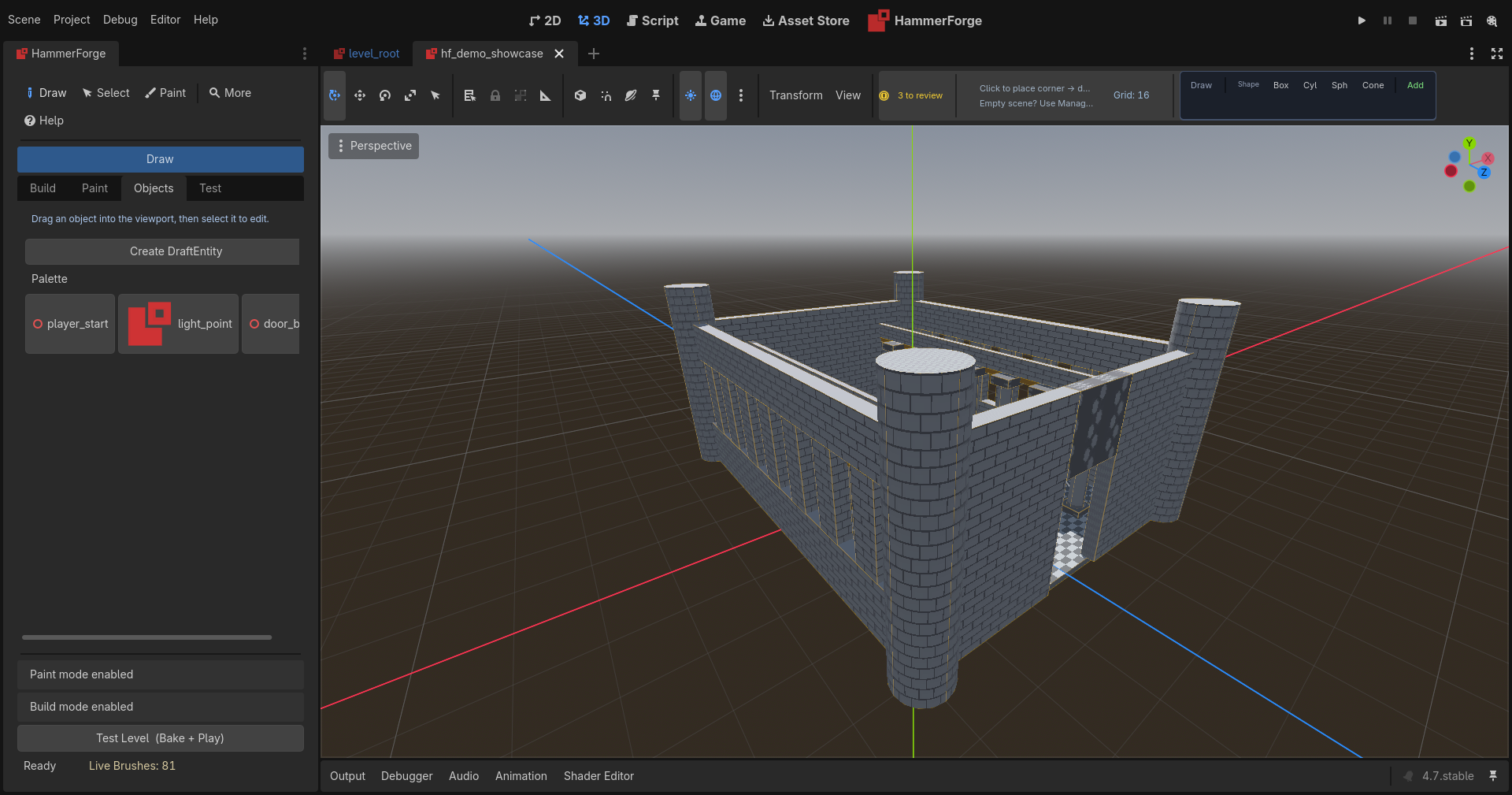
HammerForge has its own dock, main-screen entry, and viewport tools.
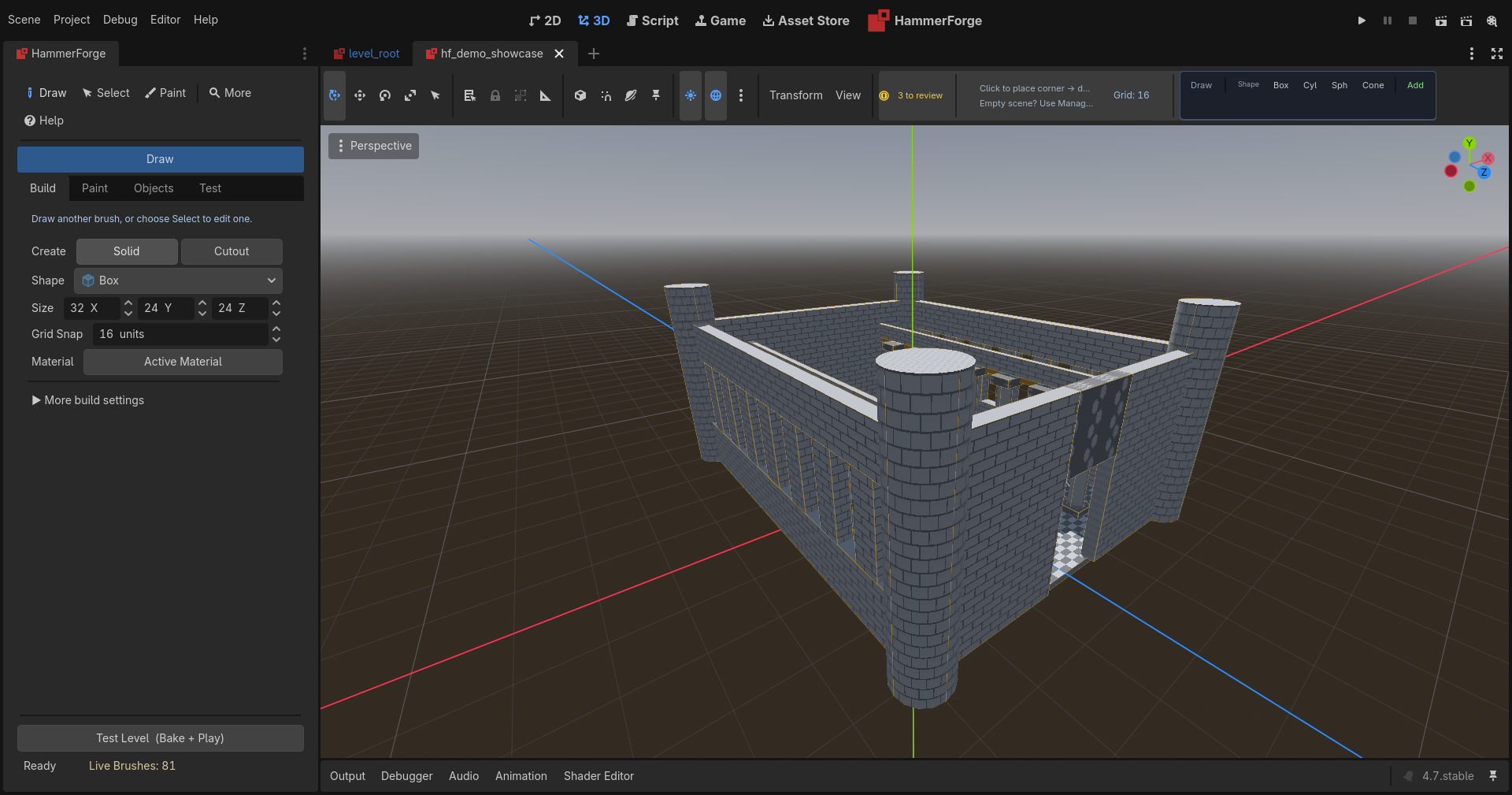
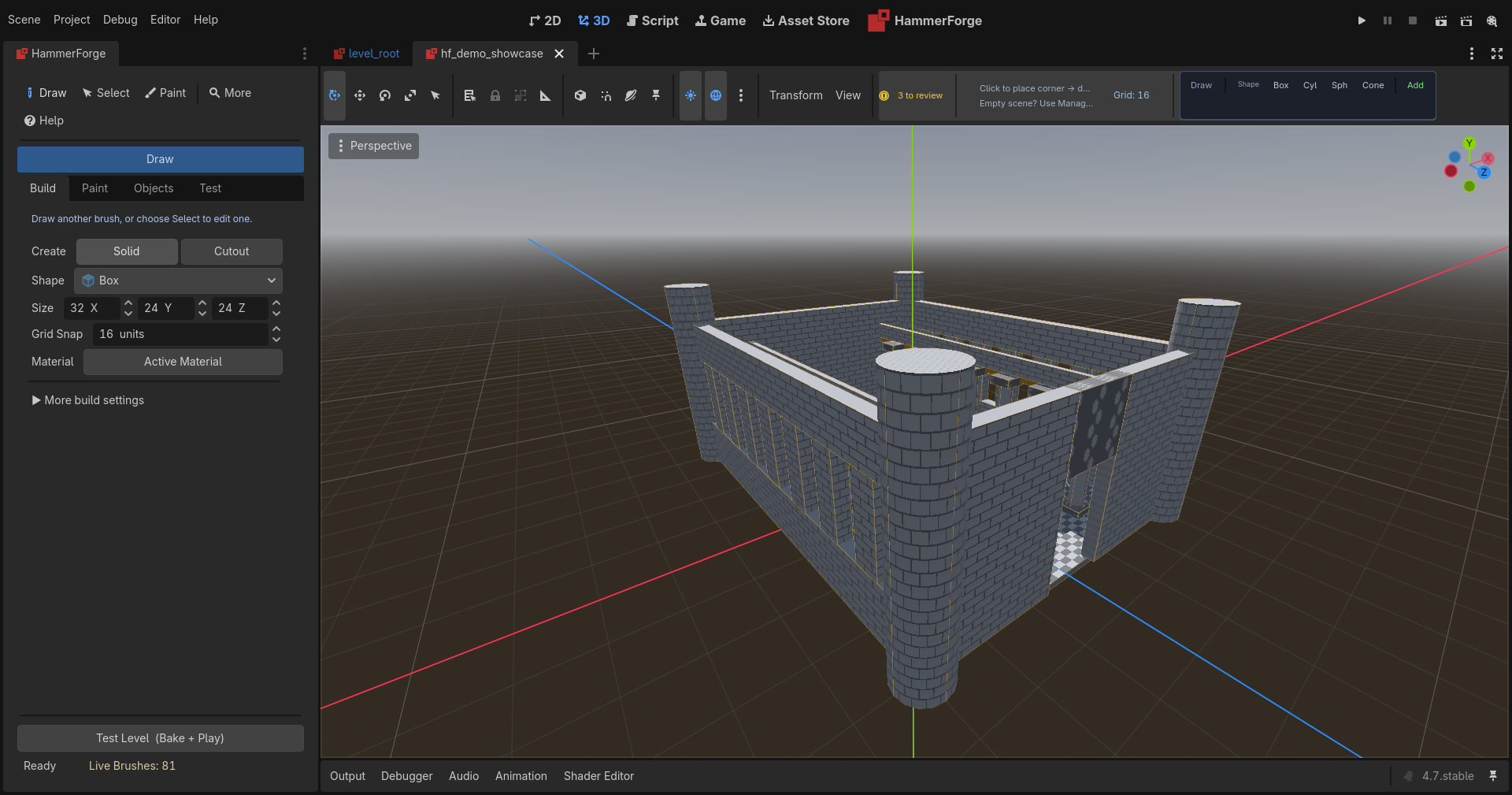
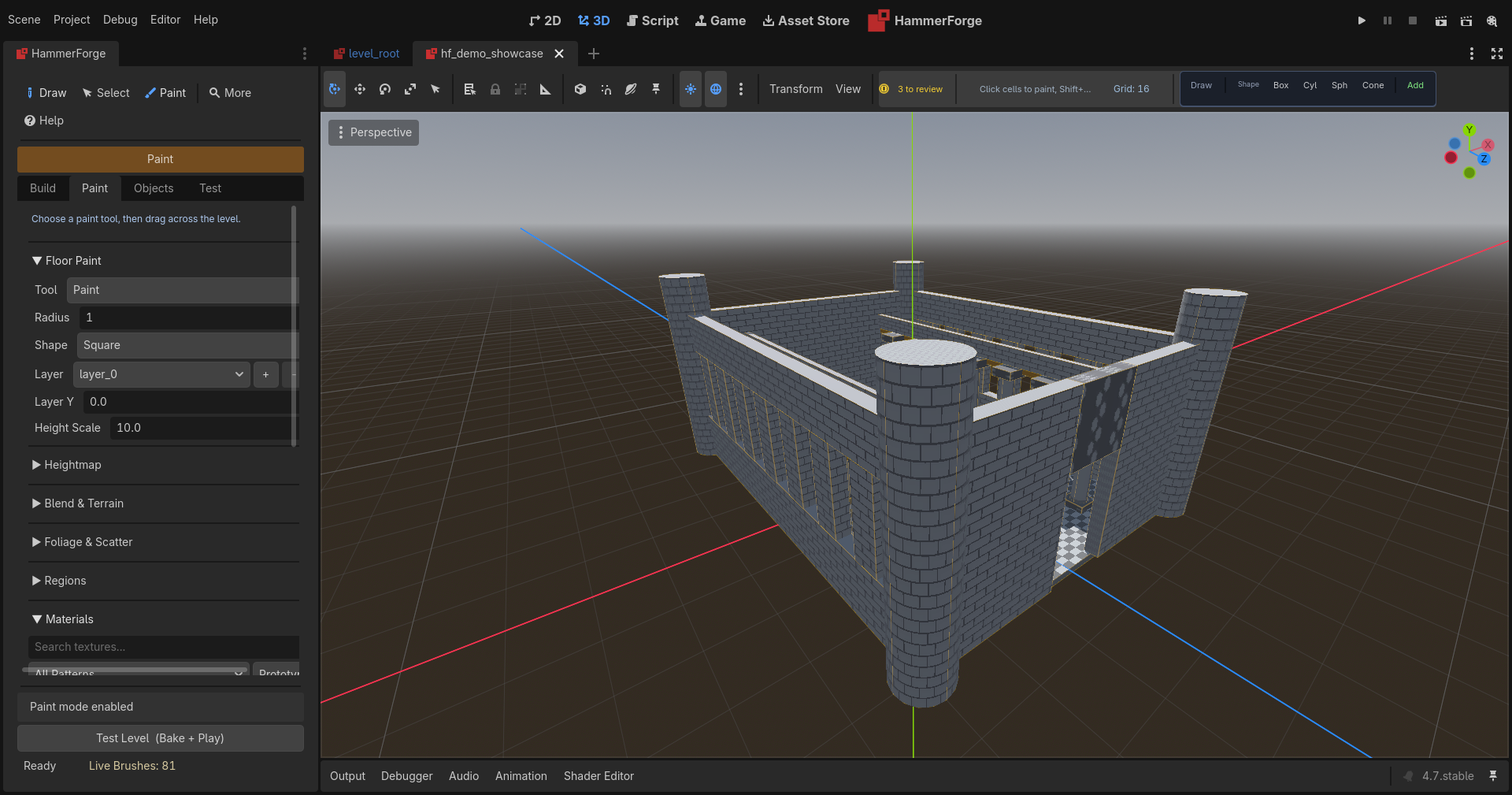
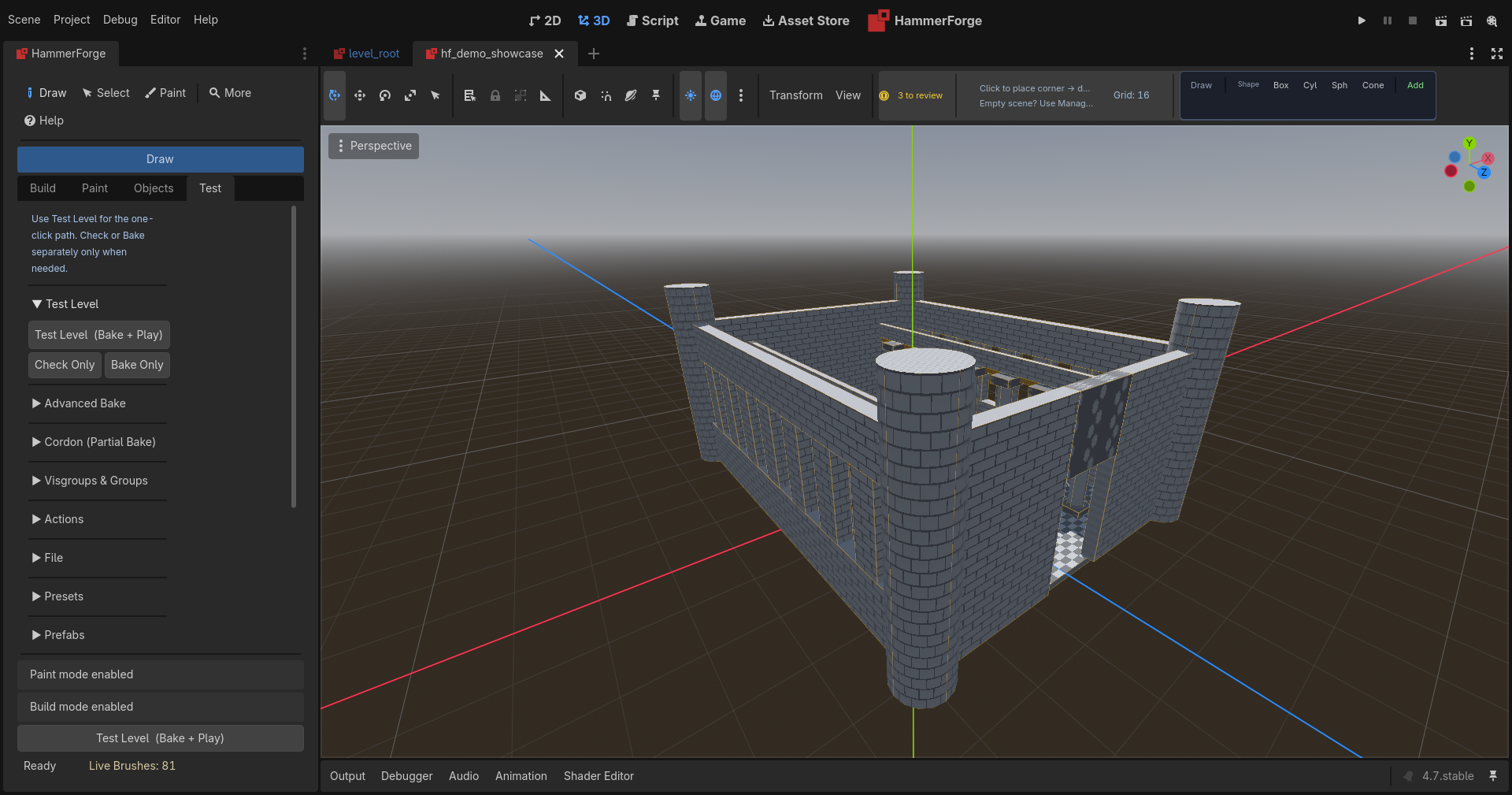
The dock changes mode with the task — Build, Paint, Objects, and Test each swap the controls and the viewport hint.
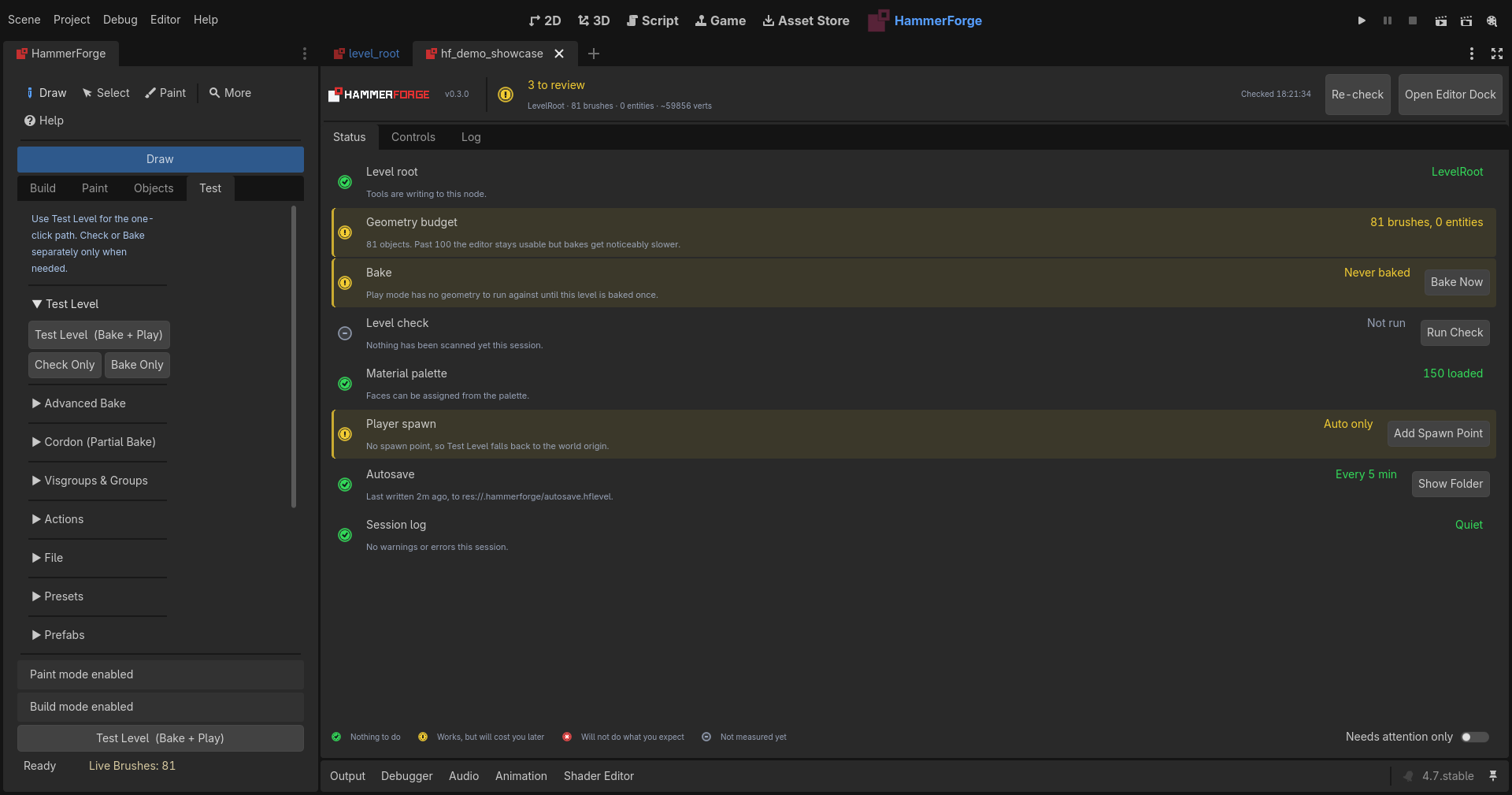
The Console
A status board for the level: geometry budget, bake state, material palette, spawn points, autosave and session log.
Everything is configurable, and every switch says why
The Console's Controls tab is the whole settings surface in one place — grouped by what a setting actually affects, with a one-line reason under each switch rather than a bare label. There is a search box, and descriptions can be turned off once you know your way around.
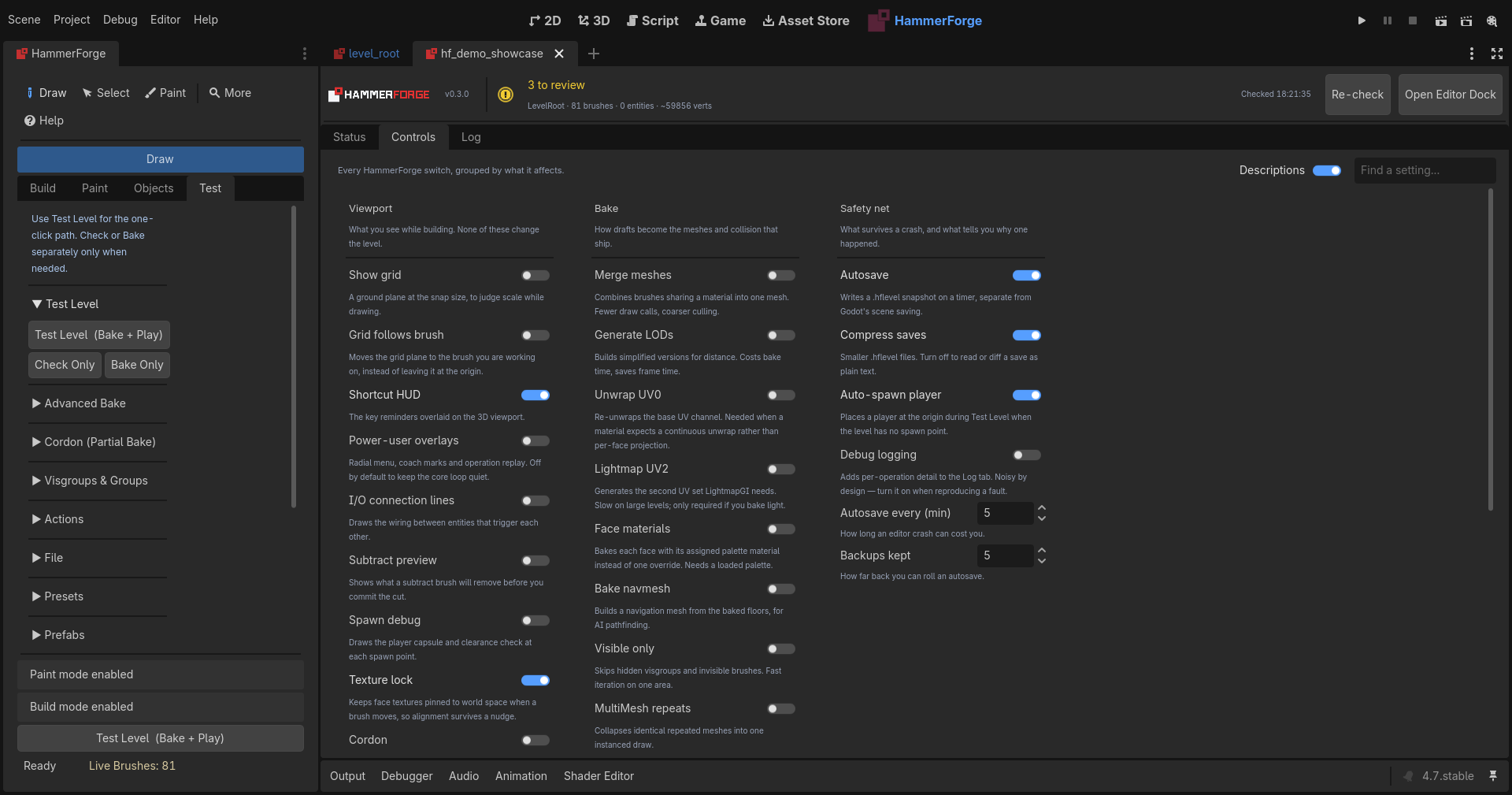
Three groups, because there are only three questions worth separating:
- Viewport — what you see while building. None of these change the level. Grid and snapping, the shortcut HUD, the size at the cursor and on the selection, the draw hover preview, cut preview, texture lock, cordon. Safe to change mid-build; nothing here touches what ships.
- Bake — how drafts become the meshes and collision that ship. Mesh merging, LODs, UV unwrapping, lightmap UV2, navmesh, occluders, the material atlas. These are the trade-offs between bake time and frame time, and each one says which way it costs you.
- Safety net — what survives a crash, and what tells you why one happened. Autosave interval, how many backups to keep, save compression, debug logging.
The header line above the tabs is live: brush count, entity count and vertex total for the open level, re-checked on demand.